 Orbiont
How to break a big goal into small steps
A big goal feels heavy because you cannot see the first move. Splitting it into milestones, weekly tasks and one daily action makes it light enough to start. Here is the method, with an example, and how to let an app do the splitting.
- Start with a goal that has a deadline and a clear finish line.
- Work backwards: goal, milestones, weekly tasks, today's step.
- Each step should fit into one sitting or a few days at most.
- Plan only the next two weeks in detail. Keep the rest rough.
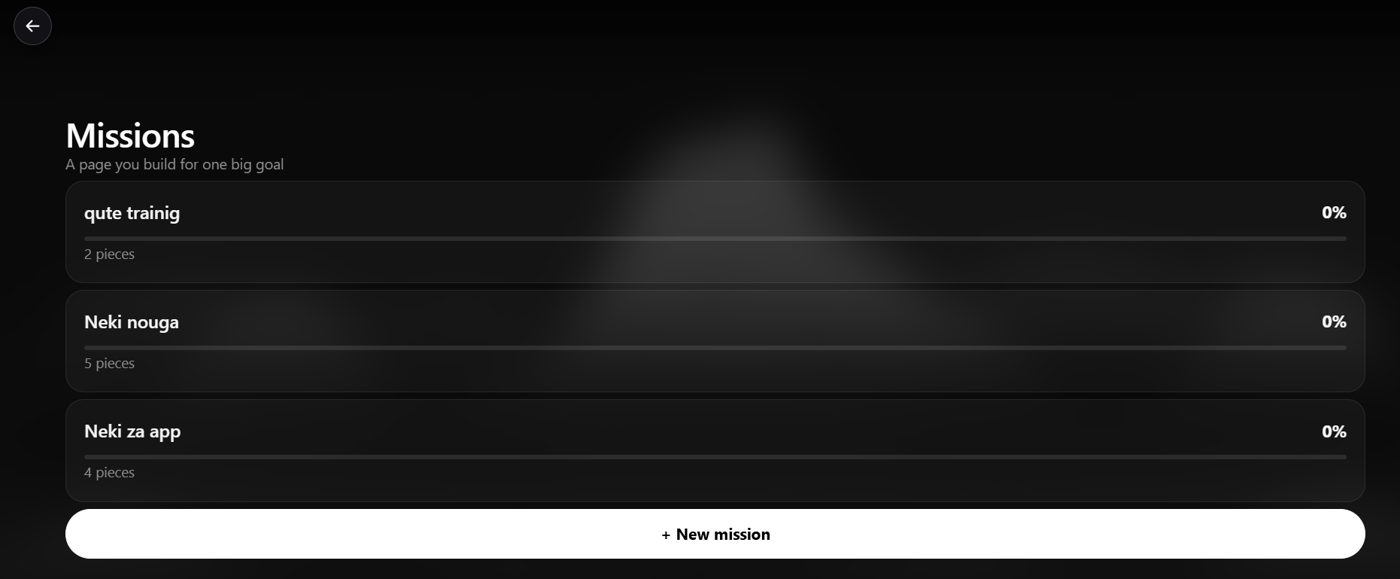
Let the app split it for you
Type your goal into ORBIT and it builds the steps and puts the first ones on your list.
Why big goals stall
"Write a book" or "get in shape" do not tell you what to do at 9am on Tuesday. Without a visible first step you wait for motivation, and motivation is unreliable. Breaking the goal down gives you something concrete to start with, so starting no longer depends on mood.
The method in five steps
- Write the goal with a finish line and a date. "Finish the first draft of my book (40,000 words) by 30 April."
- Pick 3 to 5 milestones. The big pieces on the way: outline, first 10,000 words, halfway point, full draft, edit.
- Split each milestone into tasks you can finish in a sitting. If a task needs more than a few days, split it again.
- Turn tasks into a weekly plan. Choose the 3 to 5 that matter most this week.
- Choose today's one step. Make it small enough that you can finish it today.
A worked example
| Level | Example: run a 10k by December |
|---|---|
| Goal | Run 10 km without stopping by 15 December |
| Milestones | Run 2 km, then 5 km, then 8 km, then 10 km |
| Weekly tasks | 3 runs a week, one longer run on Sunday |
| Today's step | Put on shoes and run 15 minutes at an easy pace |
Notice that only the last row needs to happen today. Everything above it is just there so you know the step matters.
Common mistakes
- Planning everything in detail. Detail goes stale. Plan two weeks ahead and leave the rest as milestones.
- Steps that are really projects. If it takes more than a few days, break it down again.
- No dates. A step without a date is a wish.
- Too many goals at once. Two or three active goals is plenty.
Let an app split it for you
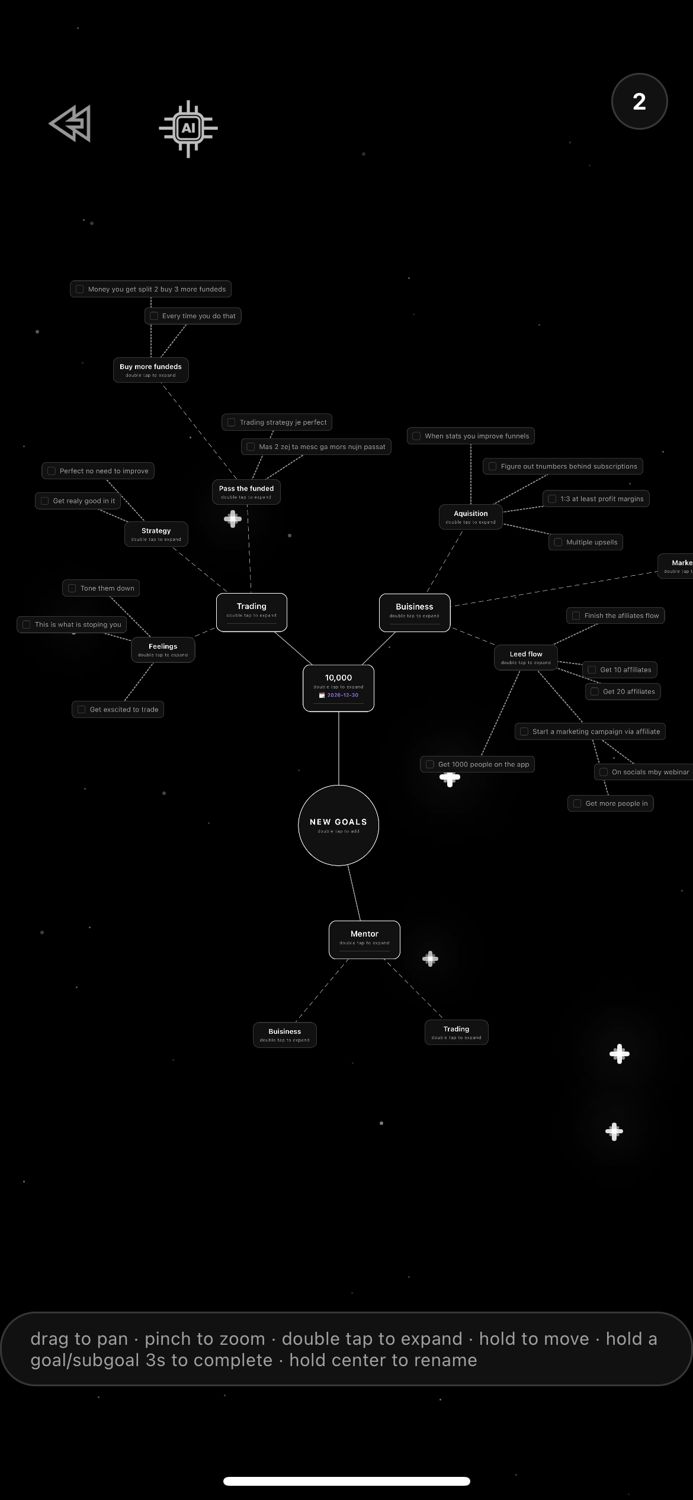
You can do this on paper, and it works. If you would rather not, ORBIT in Orbiont does the splitting. Describe your goal, and it creates the goal on your goal map with smaller goals and steps, then adds the first steps to your to-dos. You can edit everything.
Not sure what to type? Start from a one-tap goal pack such as Get fit in 12 weeks or Learn a new skill, then change the details. For the tool side, see the AI goal planner guide.
Keep it moving
Check the plan once a week. Tick off what is done, move what slipped, and choose the next few steps. If a step keeps slipping, make it smaller. See how to stay consistent with your goals for what to do when it stalls.
Questions people ask
How small should each step be?
Small enough to finish in one sitting. If you keep putting a step off, it is too big, so split it again.
How many steps should a goal have?
Three to five milestones, and only the next one or two weeks planned in detail.
What if my goal has no deadline?
Add one. A date lets you work backwards. You can move it later.
Can an app break down a goal for me?
Yes. In Orbiont you tell ORBIT the goal and it builds the steps on your goal map and adds the first to-dos.
What if I do not know the steps?
Ask for a draft, then fix it. It is easier to edit a plan than to write one from nothing.
Is this the same as SMART goals?
It overlaps. SMART goals ask for specific, measurable and time-bound goals. This method adds the step-by-step breakdown after that.
Turn your goal into steps
Describe it to ORBIT and get a plan and your next step. Free to start.
Studio and the phone app are connected: one account, and your goals and habits sync between them.