 Orbiont
 A Notion alternative built around your goals
Notion is a flexible blank workspace. Orbiont Studio is built from the start around goals, habits and focus, with the pieces already connected. Here is an honest comparison.
- Notion is a blank canvas you build a system on. Orbiont starts with the system built.
- Orbiont is aimed at one person who wants goals, habits and daily work in one place.
- Choose Notion for team wikis and custom databases. Choose Orbiont for a personal goal system that works on day one.
- Orbiont has a matching phone app, private-by-default sharing and an AI assistant on the Full plan.
The main difference
Notion gives you empty pages and databases and lets you build any system you can imagine. That is powerful, but you have to design and maintain the system yourself, and many people spend more time building their setup than using it.
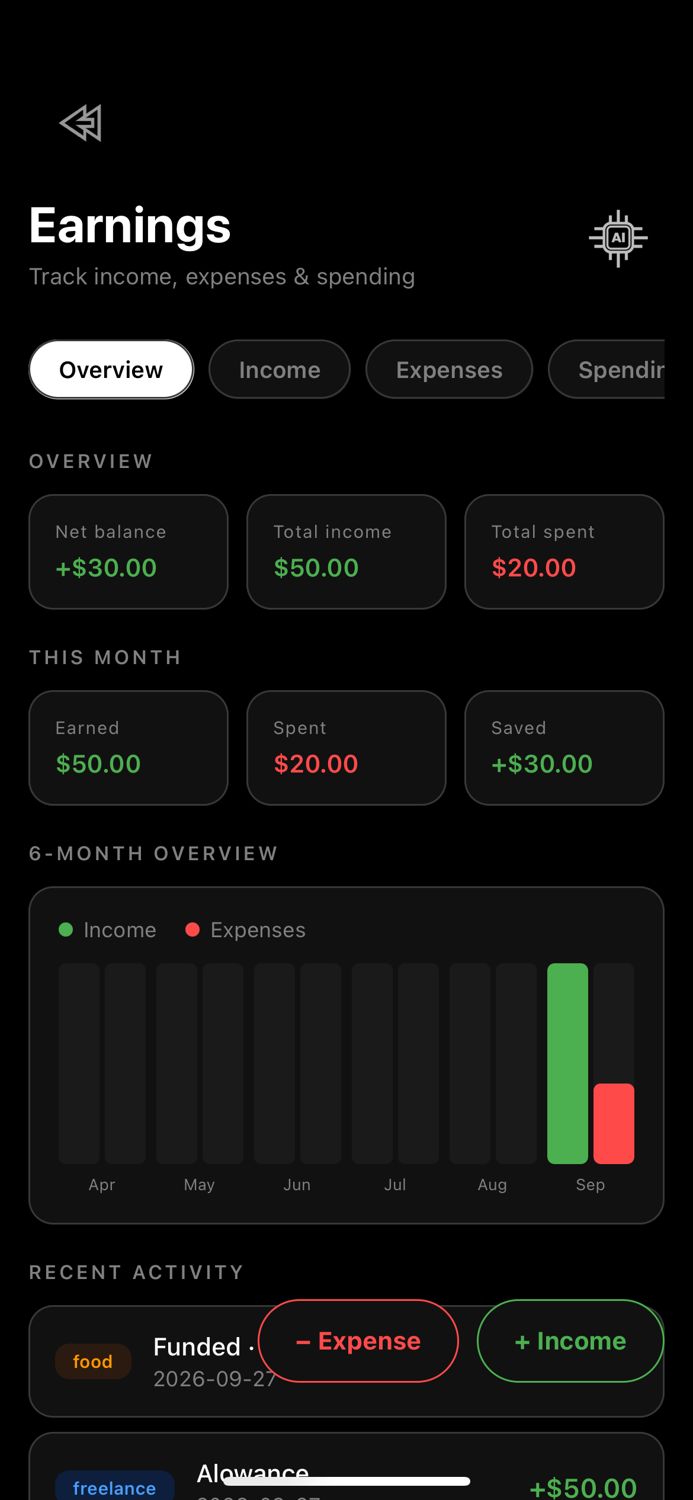
Orbiont Studio starts with the system already there: a goal map, to-dos, habits, schedule, focus sessions, missions, notes, money and business blocks that you arrange on one canvas and connect together.
Side by side
| Orbiont Studio | A blank workspace such as Notion | |
|---|---|---|
| Starting point | Ready-made blocks for goals, habits, focus and more | Empty pages and databases you build yourself |
| Goal tracking | Built-in goal map that splits goals into steps with dates | You design your own goal database |
| Habits and focus | Built in, linked to your goals | You build and link them yourself |
| Phone app | Matching Orbiont app, same account | Separate app, same workspace |
| Privacy | Choose what is shared. Health, workouts and screen time are never shared with Studio | You control sharing per page |
| AI | ORBIT assistant that can act on your plan (Full plan) | AI features that vary by plan |
| Best for | One person building a goal system | Teams, wikis, custom databases |
What Orbiont does differently
When a blank workspace is still the better choice
If you want a team wiki, shared documents or very custom databases, a blank workspace is built for that. Orbiont is aimed at one person who wants their goals, habits and daily work in one place without having to build it first.
How to switch without losing time
- Pick the five most important goals and to-dos from your current setup.
- Rebuild them on the Orbiont goal map with dates. It takes minutes, not days.
- Add the daily habits you actually keep.
- Keep your old workspace for reference and archive it after a month.
Orbiont does not import pages from other apps. Copy over only what you use. A smaller, cleaner system is easier to keep.
Questions people ask
Is Orbiont a replacement for Notion?
For personal goals, habits and daily planning, many people can use it instead. For team wikis and heavy custom databases, a blank workspace may still suit you better.
Is Orbiont free?
You can start for free. Some features, including the ORBIT assistant, are part of the Full plan.
Does Orbiont have a phone app?
Yes. The Orbiont app uses the same account as Studio, and you choose what is shared between them.
Can I import my Notion pages?
There is no import. Copy across the goals and tasks you actually use.
Is my data private?
Only the categories you switch on appear in Studio. Health, workouts and screen time are never shared with Studio, and each part of your journal is a separate opt-in.
Can I connect different blocks together?
Yes. You can link blocks on the canvas, and Orbiont can link related items such as goals and to-dos.
Try the goal-first workspace
Sign in and build your first page in a minute. Start with the goal map and one daily habit.
Try Orbiont Studio free