 Orbiont
 An AI productivity assistant that does things
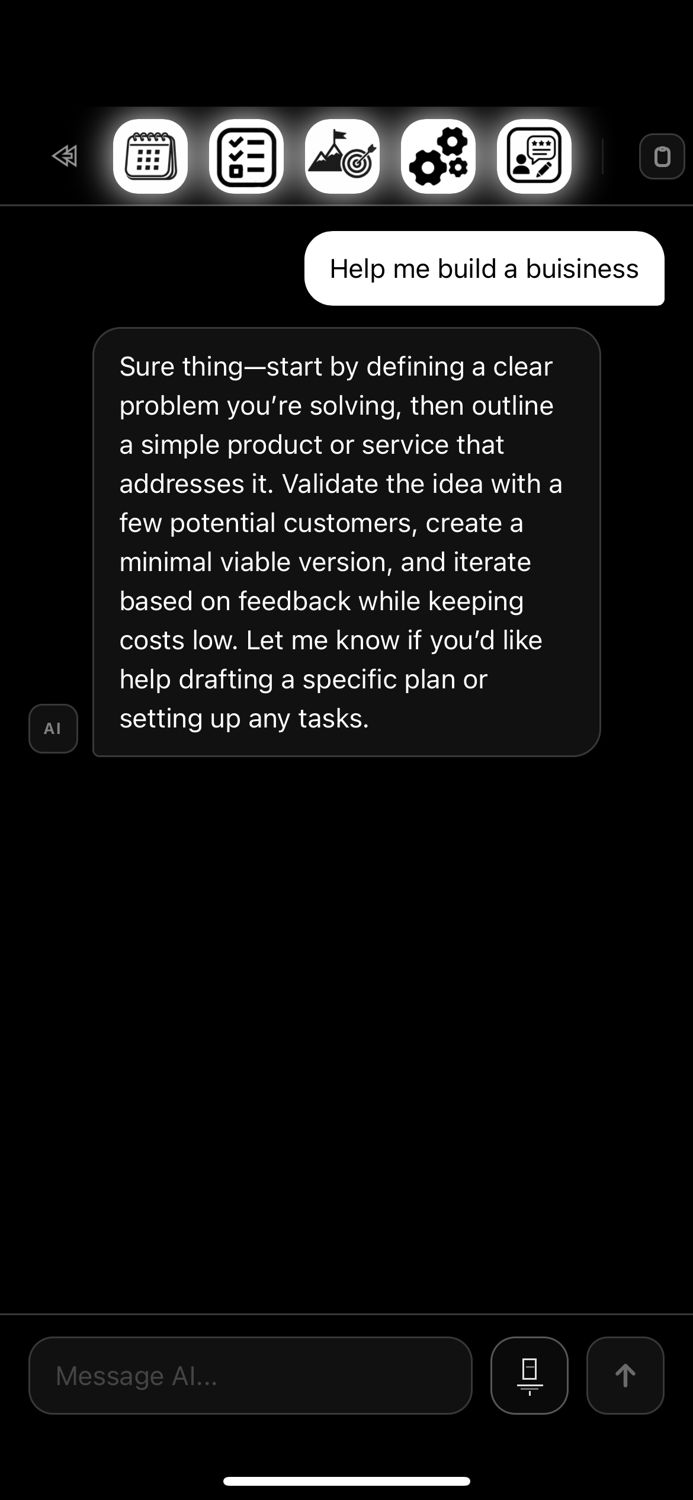
Most AI assistants only talk. ORBIT can also act: tell it what you want and it changes your plan for you, and asks before it deletes anything.
- ORBIT adds and changes your to-dos, goals, events, habits and notes just from a sentence.
- It can build and connect blocks on your canvas and open pages for you.
- You stay in control: it tells you what it is doing and asks before deleting.
- It only sees the categories you switch on. Health, workouts, screen time and the journal are never included.
What ORBIT can do
How it works
- You type or say what you want. In plain words, no special commands.
- ORBIT reads only what you allowed. Categories you switched off are not visible to it.
- It replies and acts. It tells you what it is doing and makes the changes.
- You confirm risky steps. Anything that deletes needs your confirmation.
Because it works inside your own goals, habits and schedule, its answers are about your real plan, and its changes show up straight away on your canvas and on your phone.
Example requests you can try
| You say | What happens |
|---|---|
| Add a to-do to call the dentist tomorrow | A to-do is created with tomorrow’s date |
| Make a goal to run a 10k by December with three steps | A goal with steps and a date appears on the goal map |
| Build me a dashboard for my savings goal | Blocks for your savings goal are added to the canvas |
| I fell behind, make my week lighter | ORBIT proposes moving or removing items and asks before deleting |
| What should I focus on today? | A short answer based on your open to-dos and goals |
Tips for better answers
- Be specific. "By Friday" works better than "soon".
- Give a goal. "Plan my week around finishing the report" gives it a direction.
- Ask for small steps. "Split this into three steps I can do this week."
- Check what it did. It lists its changes so you can see them.
Privacy and control
ORBIT sends your message, and a short summary of the data you allowed in Settings, to the AI provider so it can answer. You choose the categories. Health, workouts, screen time and the journal are never included, and it only changes things you asked for.
You can change what it can see at any time in Settings, and you can stop using it whenever you like.
Availability
The ORBIT assistant is part of the Full plan. The rest of Orbiont, including the goal map, habits, to-dos and the canvas, works without it. The optional habit learning and weekly look-back run on your device and do not use the AI.
Questions people ask
What is an AI productivity assistant?
It is an assistant that helps you plan and manage your work. Orbiont’s ORBIT goes further and can make the changes to your plan for you.
Can ORBIT delete my data?
Only if you ask, and it always asks you to confirm before it deletes anything.
What can ORBIT see?
Only the categories you switch on in Settings. Health, workouts, screen time and the journal are never included.
Which plan includes ORBIT?
The ORBIT assistant is part of the Full plan.
Does it work on my phone?
Changes ORBIT makes in Studio sync to your phone for the categories you share between them.
Is it better than a general chatbot?
It works inside your own goals, habits and schedule and can act on them, so its answers and changes match your real plan.
Try ORBIT in Orbiont Studio
Tell it what you want and watch your plan update. Part of the Full plan.
Try Orbiont Studio free